
Toast just handed restaurant operators something the AI industry almost never produces: an honest number from real kitchens, not a vendor demo. The Q2 2026 usage data from Toast's built-in AI assistant, covering U.S. restaurant locations from April through June, shows that roughly 12% of menu and inventory queries ended in a follow-up operational action. The most common one: pulling an out-of-stock item off the menu before a server had to apologize to table six about it.
I want to linger on that number for a second, because 12% sounds modest until you think about what it actually is. That's 1 in 8 questions that didn't just get answered, it got acted on, in the same conversation, during the shift. Not in tomorrow's report. Not in the end-of-month P&L review. During service. That is a fundamentally different thing than what most restaurant tech has ever been able to claim.
What the data actually says
Toast's report draws on aggregated, anonymized usage data from its AI assistant across Q2 2026. A few numbers worth keeping:
- Sales and revenue queries made up 30% of all AI threads, the single biggest category.
- Discount tracking accounted for 62% of all loss prevention queries. Managers are hunting comps and voids in real time.
- 54% of all prompts came from mobile devices, not back-office desktops. Fast casual skewed even higher at 58% mobile.
- 53% of all prompts landed during peak lunch or dinner service. Only 15% came in at nightly close.
- Fine dining managers sent 67% more prompts per location than fast casual operators. Full-service locations ran 41% more queries per store than fast casual overall.
- Of the actions taken inside chat, menu work was 72% of everything. Pulling out-of-stock items (86ing) led at 31% of all actions, followed by price updates at 12%, fixing clock-in punches at 11%, and adding new items at 7%.
The methodology is worth reading. Toast used keyword and phrase matching against actual prompt text to assign topic categories, so these are approximations, not a clean taxonomy. They say so plainly, which is more than most vendors bother to do.
The Lag Tax, and why it shows up here
I want to give this idea a name, because I think it's the real lesson of the report: the Lag Tax.
Every restaurant operation runs on information that arrives late. An item runs out at 7:15 p.m. It comes off the menu on the POS at 8:40 p.m., if someone remembers. A clock-in error happens Monday. Payroll catches it Friday, maybe. A manager comp gets rung at an unusual rate on a Thursday. You read about it Sunday morning when the week is already closed.
The Lag Tax is the cost of that gap, and it compounds. A missed 86 means servers selling a dish the kitchen can't make. An uncaught overtime punch means a payroll line you didn't budget. A void anomaly that waits for the monthly P&L means money that's already gone. Toast's data suggests that managers who have an AI assistant on their phone during service are paying a smaller Lag Tax than operators who don't, because they're catching things while there's still something to do about them.
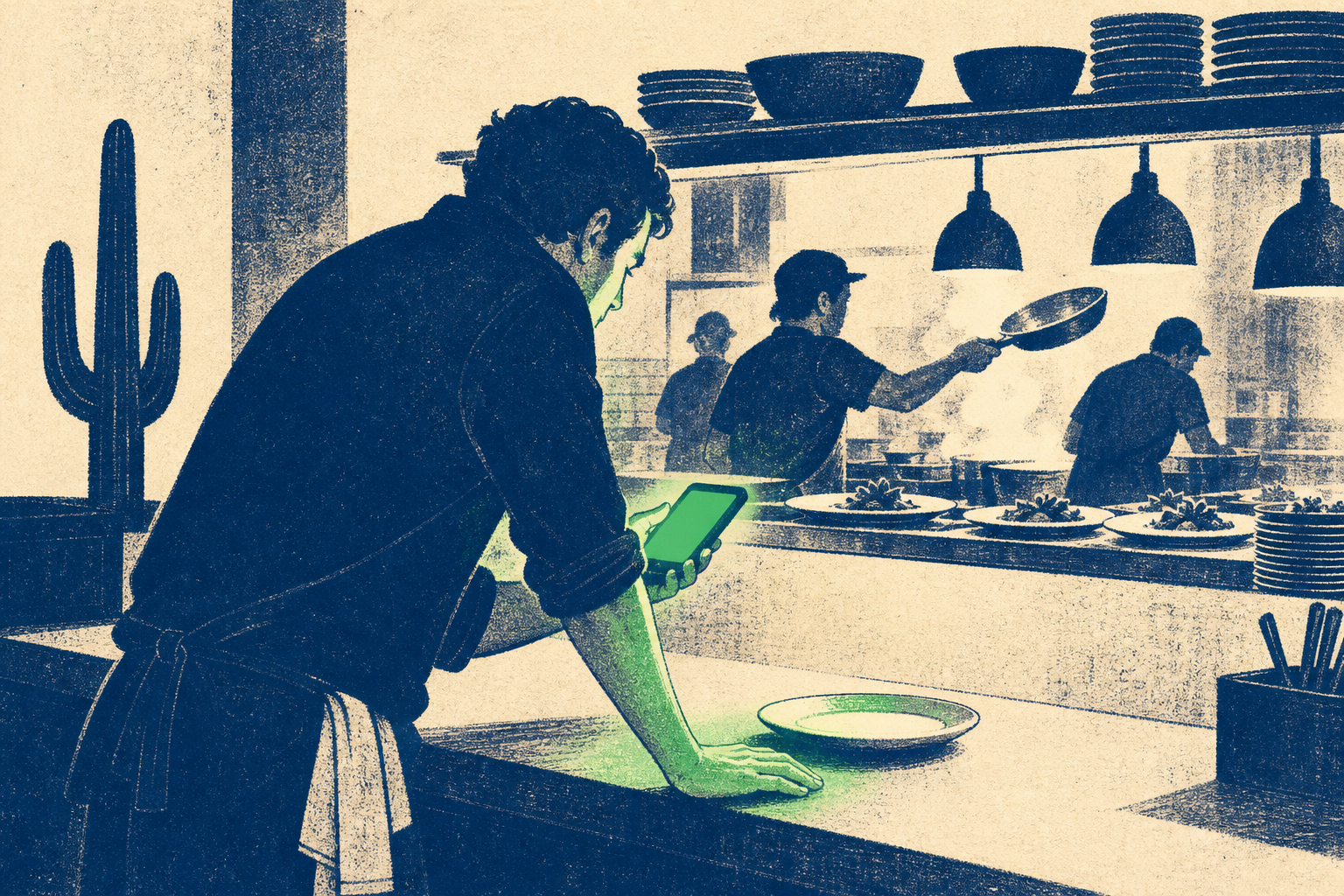
The report puts it plainly: "A manager who checks labor from the pass, or catches a bad comp before the book closes, can still do something about it. The same numbers in tomorrow morning's report only explain a night that has already been closed out."
That's the Lag Tax in one sentence.
What this means for your restaurant
If you're running Toast already, this feature exists. You may not be using it the way the data suggests the high-action operators are using it, which is on a phone, on the floor, during the rush. Not after closing. Not in the office.
The usage split in Toast's data is telling. Sales queries made up 40% of mobile prompts but only 19% of desktop ones. Labor and staffing questions came in 32% more often on mobile than desktop. The big administrative work, menu builds, pricing overhauls, ran 34% more often on office computers. So the pattern is clear: mobile is for the shift, desktop is for the setup work. That's a simple operational habit most restaurants aren't running yet.
If you're not on Toast, this data still matters. It's the first published evidence that AI embedded in a restaurant POS can produce a measurable action rate during real service, not just in a controlled demo. Other POS platforms are going to publish similar data or watch operators defect to platforms that do. The baseline question to ask any vendor is now: what percentage of AI queries in your platform lead to an operational action? If they don't know, the feature is probably a chatbot wearing a chef's hat.
We've been watching this play out in practice. A Texas restaurant ran a $300 AI host and kept the doors open when staffing fell short. A Singapore restaurant stacked AI across its operations and reclaimed 20 hours a week. Neither of those is a Toast story, but they're the same story: AI that sits on the floor during the rush is different from AI that generates reports after closing.
Under the hood
Get The Root delivered weekly
We respect your privacy. Unsubscribe at any time.
For the more technically curious: Toast's AI assistant is a conversational interface built on top of the existing Toast POS data layer. When a manager types a plain-language question, the system is querying live transactional data, labor records, and inventory states, not a static snapshot. The "action" piece is what makes it more than a reporting dashboard. When a manager 86s an item inside the chat window, that change propagates to the POS in real time without a separate settings workflow. That's the architectural choice that produces the 12% action rate. A system that only answers questions can't produce that number. A system that answers and then executes can.
The 53% prompt concentration during peak service hours tells you the system is fast enough and simple enough to use during a rush. That's not nothing. Most back-office software fails that test completely.
What to do this week
If you're on Toast, do this audit Toast's own report recommends: pick a recent busy night and find three timestamps. When did an item run out versus when it came off the menu? When did a clock-in error happen versus when payroll caught it? When was your biggest unusual comp rung versus when a manager actually reviewed it? The gap between each pair is your current Lag Tax. Run the same check after 30 days of putting live AI queries on a manager's phone during service.
If you're not on Toast, ask your current POS vendor one question: does your AI assistant allow in-chat operational actions, or does it only surface information? The answer tells you where they are in this race.
If you're thinking about AI in your restaurant at all, this report is the benchmark to carry into every vendor conversation. A 12% action rate on menu queries during real service is the number everything else should be measured against.
You can skip this one if
You're running a single-location operation with one manager who already knows every number by feel, checks the POS every 20 minutes anyway, and has never had a missed 86 or a payroll error slip through to the end of the week. In that case, this is a feature that scales something you've already solved. Come back to it when you open a second location.
The last question I'd actually ask
Here's what I'd ask the next operator I sat across from: how much did the last two weeks of delay in your menu and comp data actually cost you, and do you even have a way to know? Most don't. That ignorance is the Lag Tax, and now there's a number for what fixing it looks like.
Sources
Frequently Asked Questions
See Where Your Business Ranks
Get a free competitive intelligence report. We analyze your website, scan your competitors, and test your AI search visibility, ready in 60 seconds.
Run My Analysis →Did this guide help?
Make our content appear first in your Google Search and AI Overview results by adding us as a preferred source.
Requires signing in to your Google account.
Add Wise Roots as a Google Preferred Source